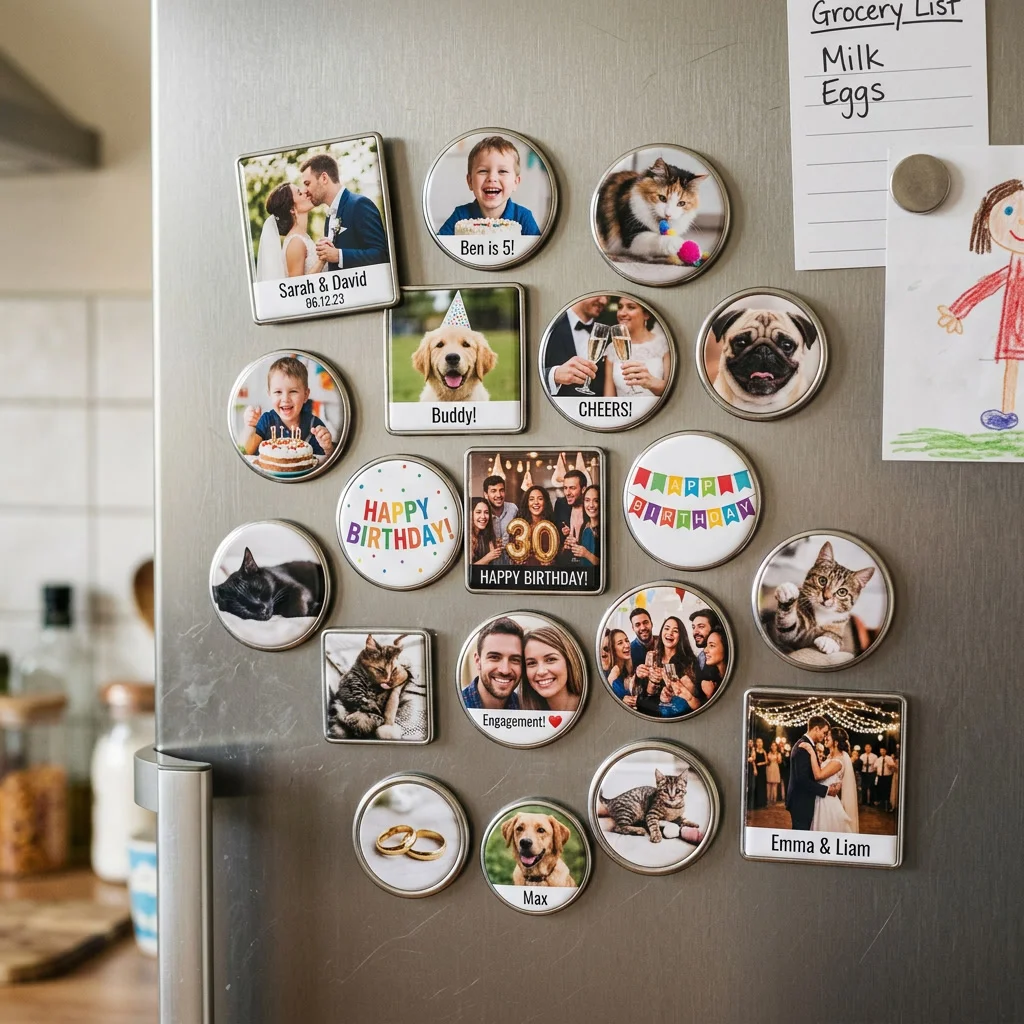
The decisions that come after the photo
Advice on choosing a photograph is easy to find. Advice on the order form is not. Once the picture is settled, custom photo magnets still ask you to choose flexible or rigid stock, glossy or matte, a thickness, a size, and a quantity, usually with no explanation of what any of it changes. Those choices decide whether the finished piece holds a note, glares under a spotlight, or slides slowly down the door. Here is what each one actually means.
Flexible or rigid stock
Flexible magnets are a printed sheet bonded to a thin magnetic backing. They are cheap, post easily, and bend, which makes them the sensible pick for mailed save-the-dates. Rigid pieces use a board or acrylic front and feel like an object rather than a sticker. They photograph better as gifts and survive handling, but cost more and complicate posting. Give a rigid piece as a present; mail a flexible one.
Glossy or matte under real light
Gloss deepens color and makes a photograph look richer in the hand, which is why samples are almost always glossy. In a kitchen with a ceiling spotlight directly above the fridge, that same finish throws a hotspot across a face and the picture becomes unreadable from the doorway. Matte scatters the light and stays legible from any angle, at the cost of slightly flatter color. Check where the light in that kitchen actually falls before choosing.
How much holding power you need
Magnetic strength is usually unstated, and it matters if the piece has a job beyond decoration. A magnet only holding itself needs very little. One expected to pin a school letter or a takeout menu needs noticeably more, and thin flexible stock tends to disappoint here. Modern fridge doors make it worse: many stainless fronts are weakly magnetic or not magnetic at all, so a magnet that grips fine on an older enamel door slides down a newer one.
Thickness, and why it shows
Thickness gets ignored on the order form and then noticed forever. A very thin piece sits flat against the door and reads as a sticker. A few millimeters of depth casts a small shadow, which is what makes a magnet look like a considered object rather than printed paper. Depth also makes it easier to grip and lift, which matters for anyone with limited hand strength, and it is the single cheapest upgrade in perceived quality.
Reading bleed, trim, and safe area
Three terms appear on every template and mean distinct things. Bleed is the extra image beyond the cut line, so a slight misalignment does not leave a white sliver. Trim is where the blade is meant to land. Safe area is the inner margin where nothing important should sit, because the blade wanders by a hair. Faces and text belong inside the safe area, and the background should run to the bleed edge. Getting this wrong is the most common reason a proof comes back with a cropped forehead.
Pack sizes and the cost curve
Prices per piece fall in steps rather than smoothly, so ordering nine can cost the same as ordering twelve, and the sensible move is to check the next bracket up before confirming. Buy to the bracket and use the surplus as spares. Consider also that the second order of the same design usually costs more per piece than adding to the first, which argues for slightly overbuying at the outset rather than planning a top-up run later.
What a proof does and does not show
An on-screen proof confirms layout, spelling, and crop. It cannot show you color accuracy, because your monitor is backlit and brighter than any printed surface, and it cannot show finish or thickness at all. Treat the digital proof as a text and geometry check only. For a run of any size, a single physical sample is worth the delay, since color shift and glare are precisely the two problems the screen version hides.
Where to order custom photo magnets
Once the stock, finish, size, and count are decided, shop custom photo magnets to place the order. The custom photo magnets page compares the available shapes and sizes side by side.